- Navigate to the transporters section on the left hand
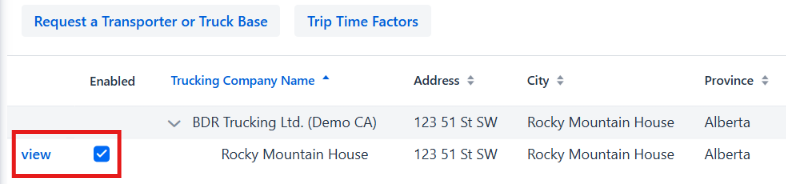
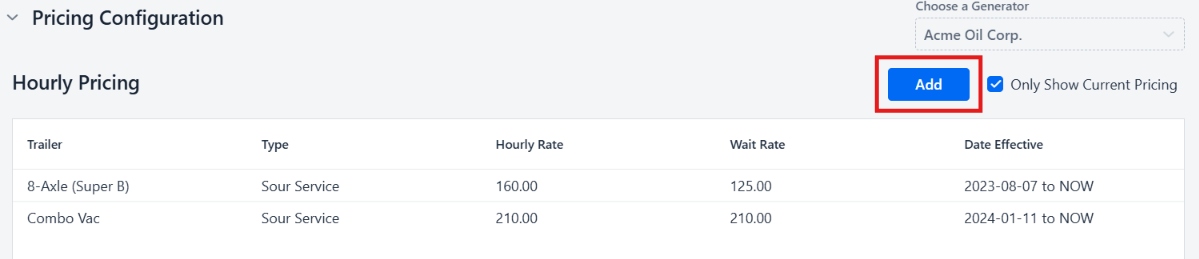
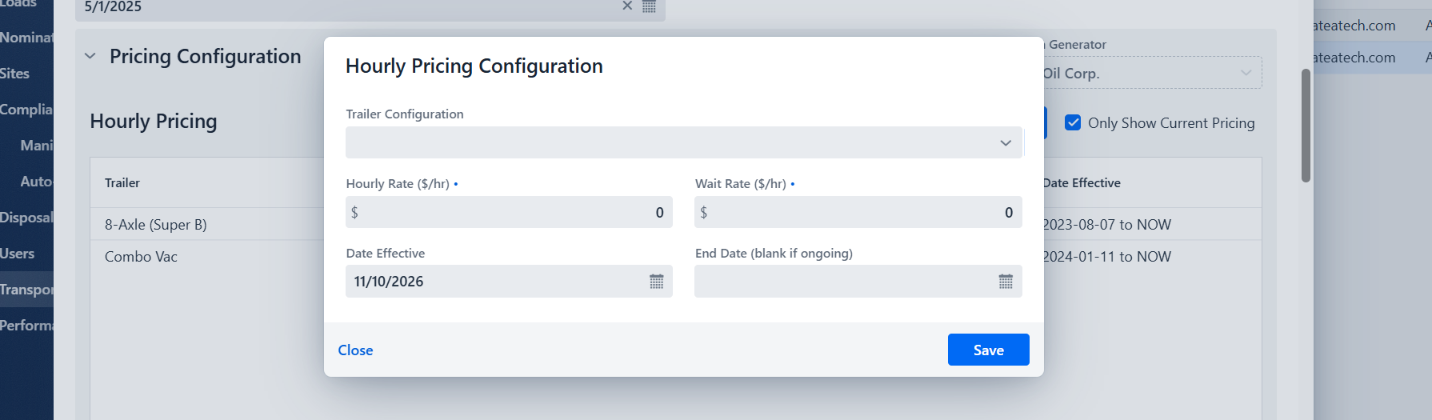
- Search for your truck base using the search bar in the top right hand corner. If the truck base you are trying to add is enabled but not showing up for loads you might have to add a pricing variable for them. This is done by entering the truck base via view and updating pricing in either the hourly or volumetric section based on agreement.
- If the truck base you are looking to add isn’t available click the “Show all transporters” button in the top right corner. This will show you all truck bases in the Galatea app.
- You can then search for the either the transporting company or the specific truck base in the search bar
- If the truck base is in the Galatea app it will show up and you’ll be able to click on the box under enabled, this will enable the truck base for your company.

- If the transporter company or truck base does not show up either call our dispatch line if it is urgent or if this will be for future loads submit a request for a truck base via the button in the top left. Fill out all required fields, the more information provided the quicker and more accurately we can add the truck base.

English - Canada
